图片去水印
去掉水印,保留图片。
处理你拥有或获准编辑的图片。下载 PNG 结果,也可以继续拼图。
01
原图
拖入多张图片,或从剪贴板粘贴。
02
去水印结果
处理后的图片会显示在这里。
静态 JPG、PNG 或 WebP · 最大 4 MiB / 1600 万像素 · 单边最大 4096 像素 · 输出最高 1K,尺寸与比例可能略有调整
看看遮挡之下的画面。
查看照片与插画移除文字水印后的真实效果。左右拖动,仔细比较处理前后的细节。
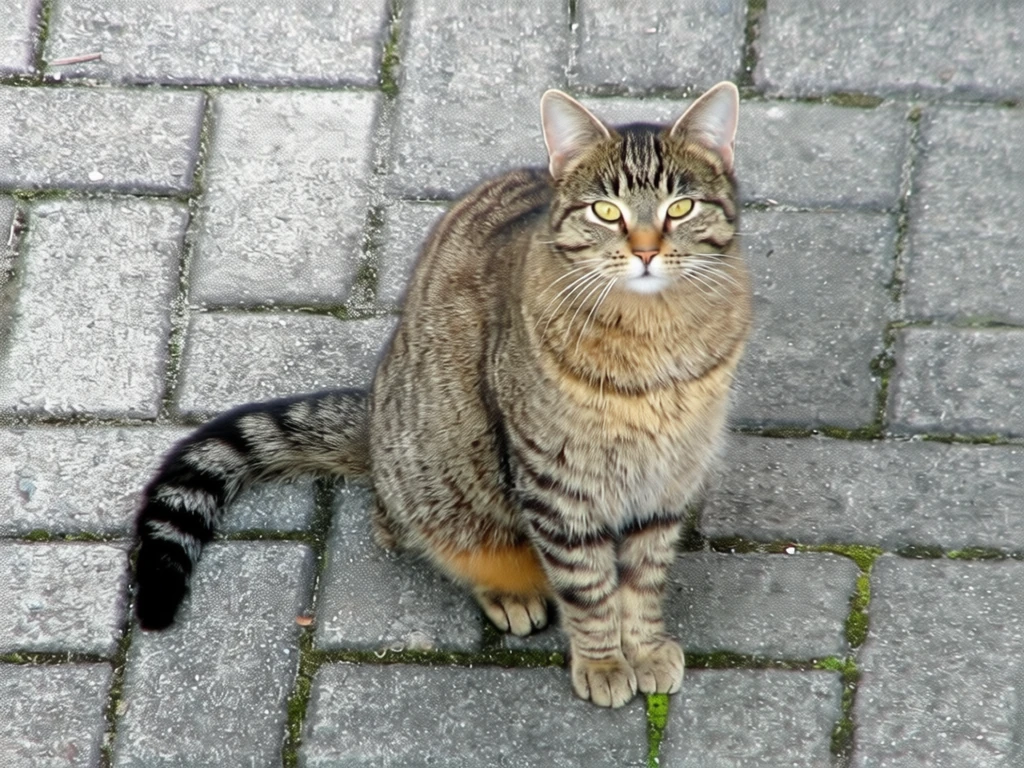
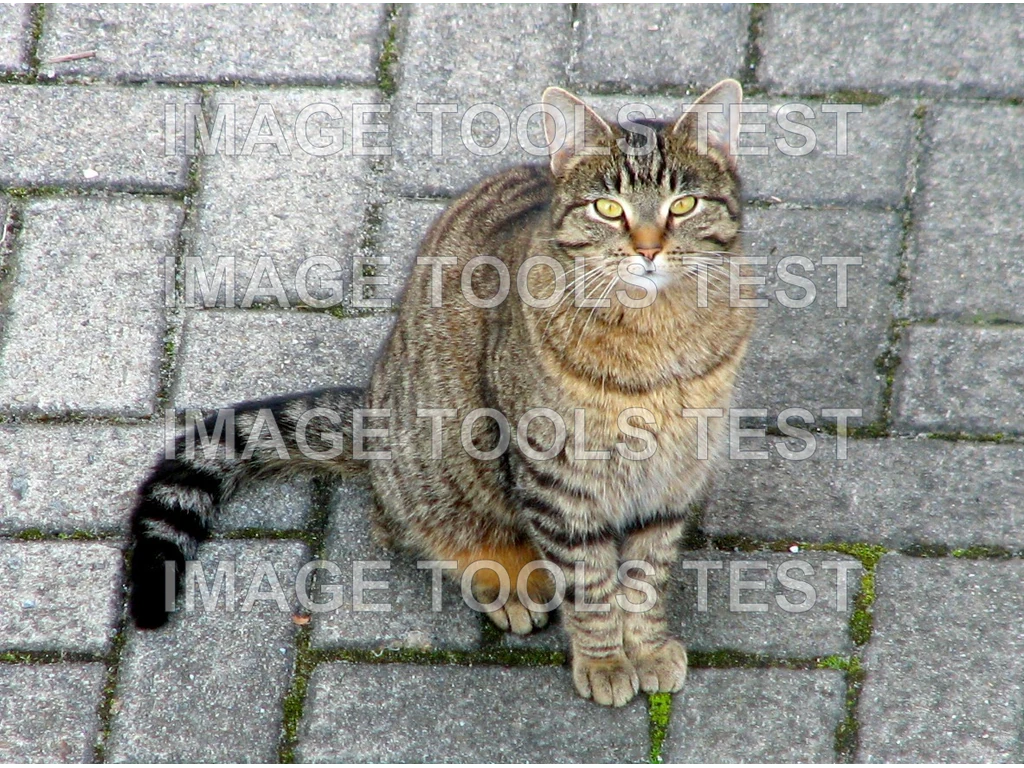
试试我的图片已保存的真实样例 · 查看不消耗积分
整理旧素材,开始新创作
让你的图片,再次派上用场。
清理你拥有或获准编辑的图片上的水印。AI 会重建被遮挡的区域,纹理、文字与细节可能发生变化;请先检查效果,再下载或用于新的设计。
- 支持照片与插画
- 查看处理结果,再下载 PNG
- 可以把结果直接带入拼图工作台
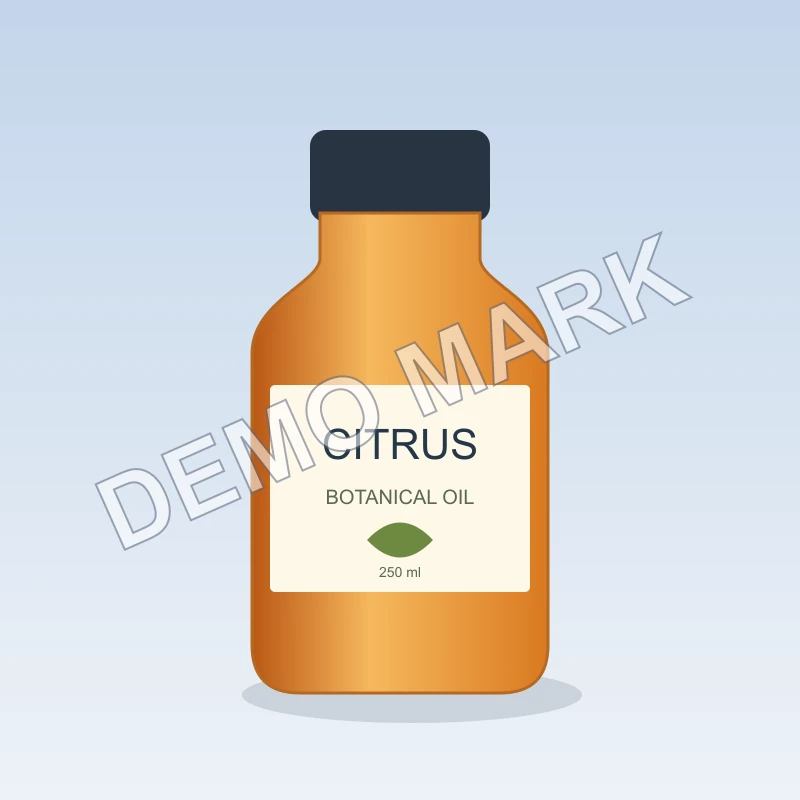
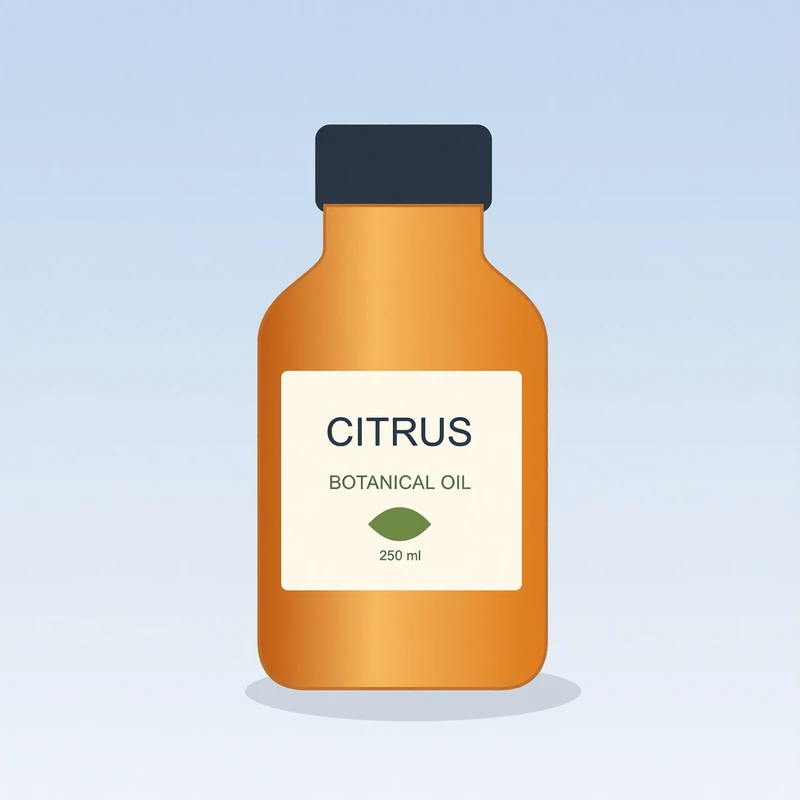
示例图片来源与许可
- Domestic cat — TiHa (attributed by Wikimedia Commons), CC BY-SA 2.5. Before: locally added demonstration watermark over the licensed photograph. After: actual Qwen Image Edit output through Kie. Entire input and entire model output are fit proportionally into the same 1024×768 canvas; transparent letterboxing is used where aspect ratios differ. No crop or geometric warp to disguise model changes. Qwen may regenerate image details. Encoded as WebP. Derivative images retain the stated source license.
- CITRUS botanical oil test illustration — Image Tools, Project-owned test illustration. Before: locally added demonstration watermark over the project-owned synthetic product illustration. After: actual Qwen Image Edit output through Kie. Entire input and entire model output are fit proportionally into the same 800×800 canvas; transparent letterboxing is used where aspect ratios differ. No crop or geometric warp to disguise model changes. Qwen may regenerate image details. Encoded as WebP.
