Combine images
Bring your images together. Just arrange, adjust, and download.
Drop your images here
Static JPG, PNG or WebP · Up to 20 MiB per image
or paste an image from your clipboard让好照片,一起出场。
一次旅行、一组商品、一段完整的教程。切换布局,找到适合这些画面的表达方式。
为完整的故事,留出位置。
横向并排、纵向拼接,或整齐地排成网格。调整间距、背景和每张照片的裁切,把多个画面变成一张可以直接分享的图片。
- 调整间距、背景与单张图片裁切
- 支持 PNG、JPEG 和 WebP 导出
- 图片在你的浏览器中处理
一些值得放在一起的瞬间。
示例图片来源与许可
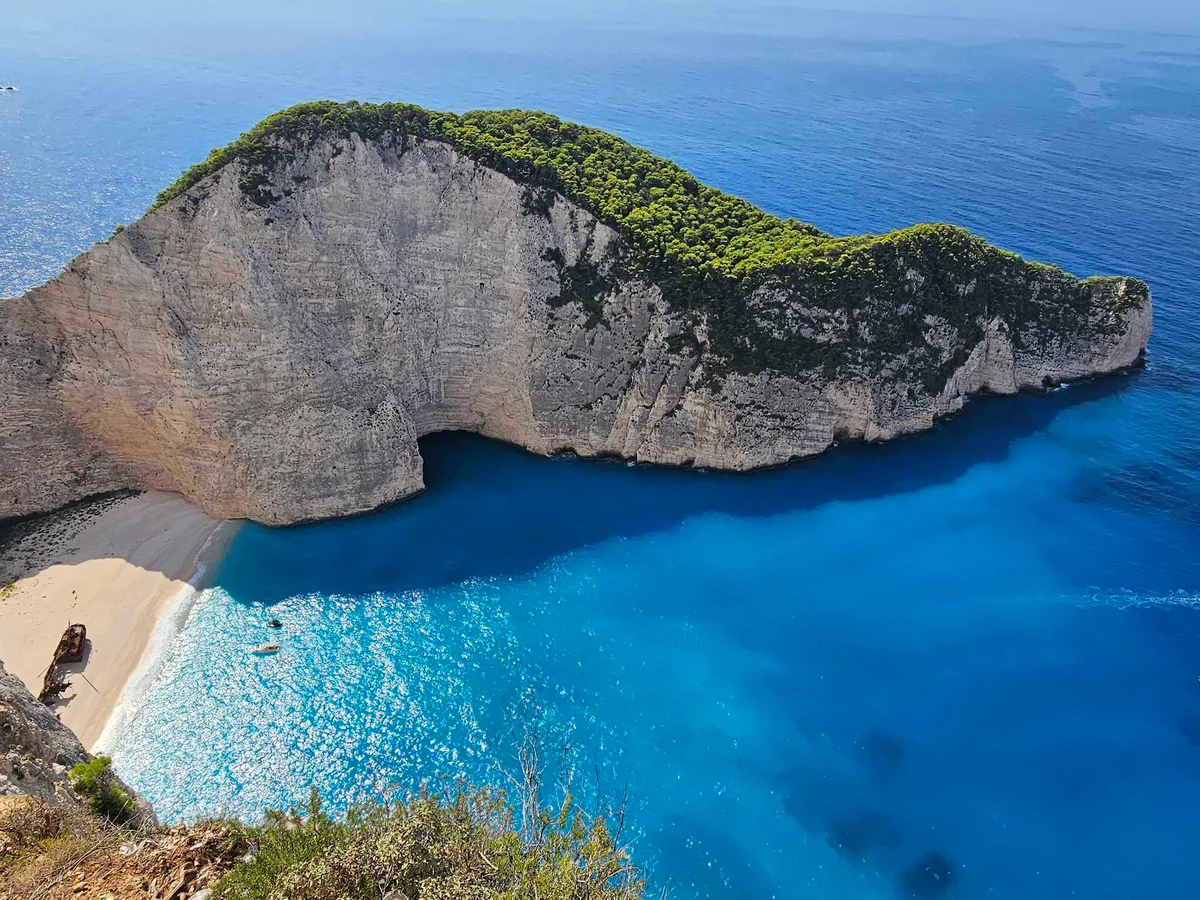
- Navagio Beach. View of the Shipwreck Beach — Andrzej Rękas, CC BY-SA 4.0. Downloaded original Wikimedia Commons photograph. Cropped to 4:3 (centre alignment), resized to 1200×900 and converted to WebP. Source colors retained; no AI generation or retouching. The stated source license also applies to this cropped derivative.
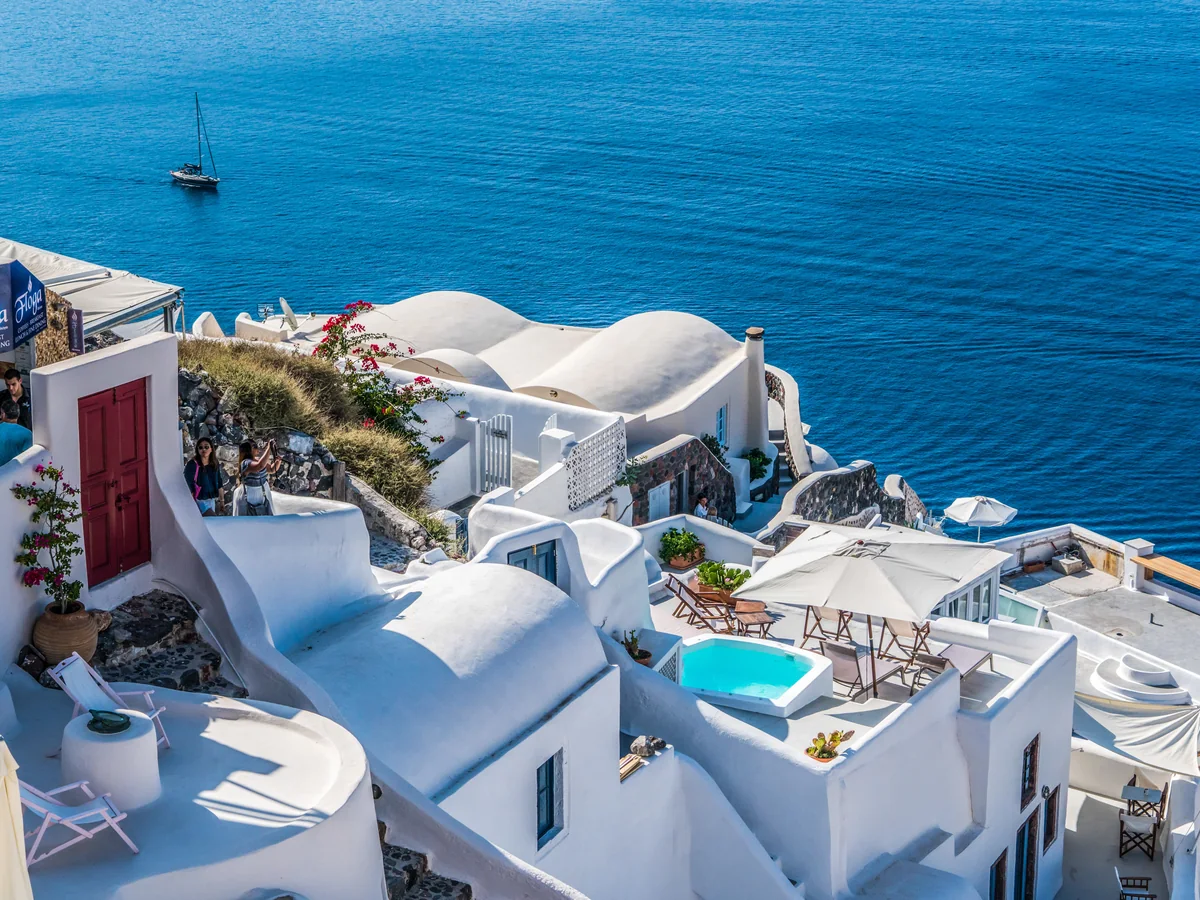
- Santorini Oia Greece Travel Summer Greek Island — Mariamichelle, CC0. Downloaded original Wikimedia Commons photograph. Cropped to 4:3 (centre alignment), resized to 1200×900 and converted to WebP. Source colors retained; no AI generation or retouching. The stated source license also applies to this cropped derivative.
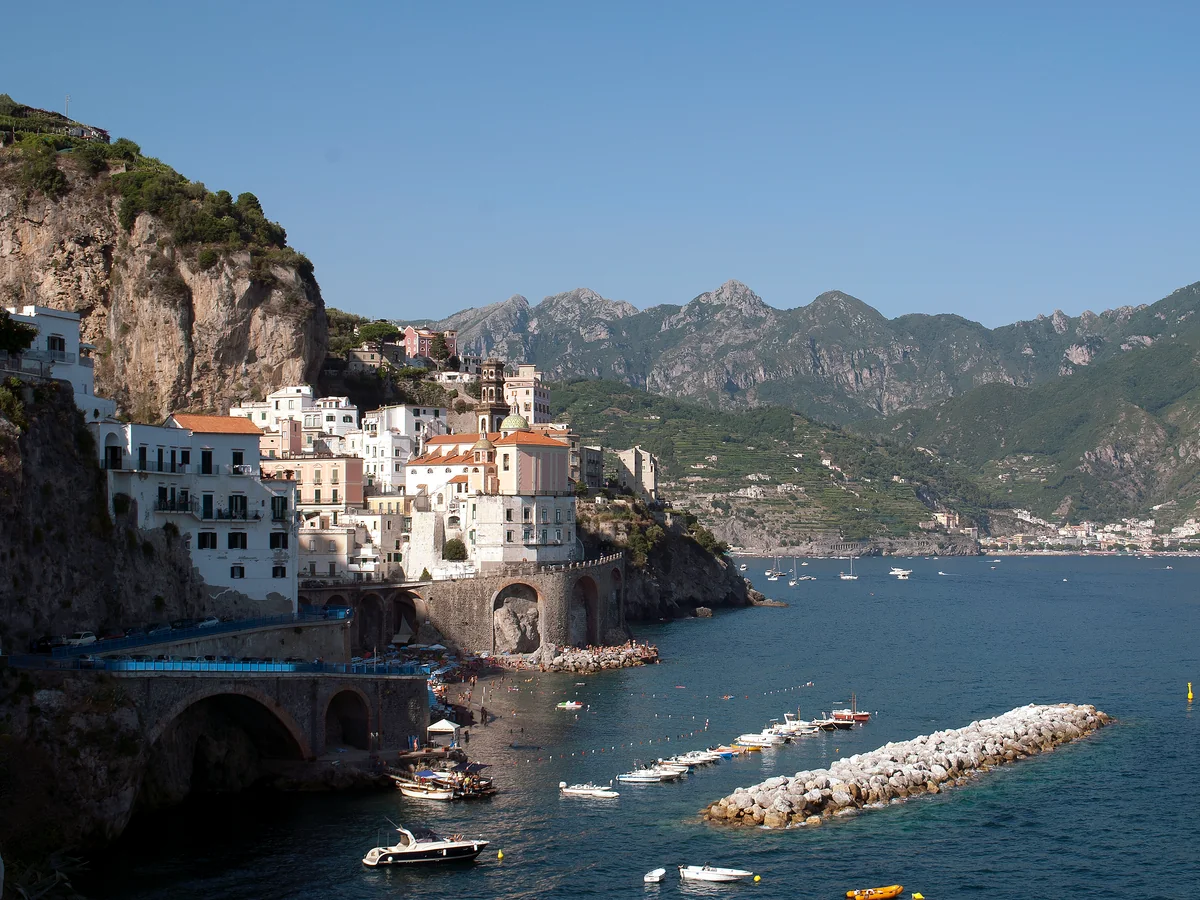
- Amalfi Coast, Italy Panoramic — Mайкл Гиммельфарб, CC BY-SA 4.0. Downloaded original Wikimedia Commons photograph. Cropped to 4:3 (left alignment), resized to 1200×900 and converted to WebP. Source colors retained; no AI generation or retouching. The stated source license also applies to this cropped derivative.
- Santorini (39171196742) — Mustang Joe, CC0. Downloaded original Wikimedia Commons photograph. Cropped to 4:3 (centre alignment), resized to 1200×900 and converted to WebP. Source colors retained; no AI generation or retouching. The stated source license also applies to this cropped derivative.


.jpg)
From separate images to one picture.
- 01
Add your images
Choose files, drag them in, or paste images from your clipboard.
- 02
Make them fit
Choose horizontal, vertical or grid. Reorder images and adjust spacing or crop.
- 03
Download your result
Check the output dimensions, choose a format and save one combined image.
Frequently asked questions
Are my images uploaded?
拼图和切图在浏览器本地完成,图片不会上传。抠图和去水印会将选中的图片发送给我们的服务器、Kie 及其模型服务方。
Which formats can I use?
Import static JPG, PNG and WebP images. Export PNG for transparency or screenshots, or choose JPG or WebP for photos. Animated images are not supported.
Do I need an account?
无需登录即可编辑。登录后,拼图和切图合计每天免费导出一次;订阅后不限导出次数。新账号另赠送一次云端抠图体验。
Will my photos be cropped or resized?
Side-by-side images share the smallest source height; vertical images share the smallest width. Grids show the entire image by default. Fill mode crops the visible edges, and you can adjust the selected image’s position.
Can I keep working after switching tools?
Yes, each tool keeps its own images, settings and undo history in the same tab. Refreshing or closing the tab can clear your work. Download your result before leaving.
What are the current limits?
Up to 20 MiB and 32 megapixels per source, with a maximum edge of 16384 pixels. Combine up to 30 images or split into up to 100 tiles. Original images and undo history share a 64-megapixel budget across both tools. Each exported image is limited to 32 megapixels, and ZIP output to 256 MiB.