日常照片分享
让照片更轻,细节看得见。
为 JPG 或 WebP 选择保留更多细节、均衡或更小文件。先预览处理结果,对比实际文件大小,再决定下载。
- 三档清晰易懂的压缩选项
- 整批使用同一档位,再打包下载 ZIP
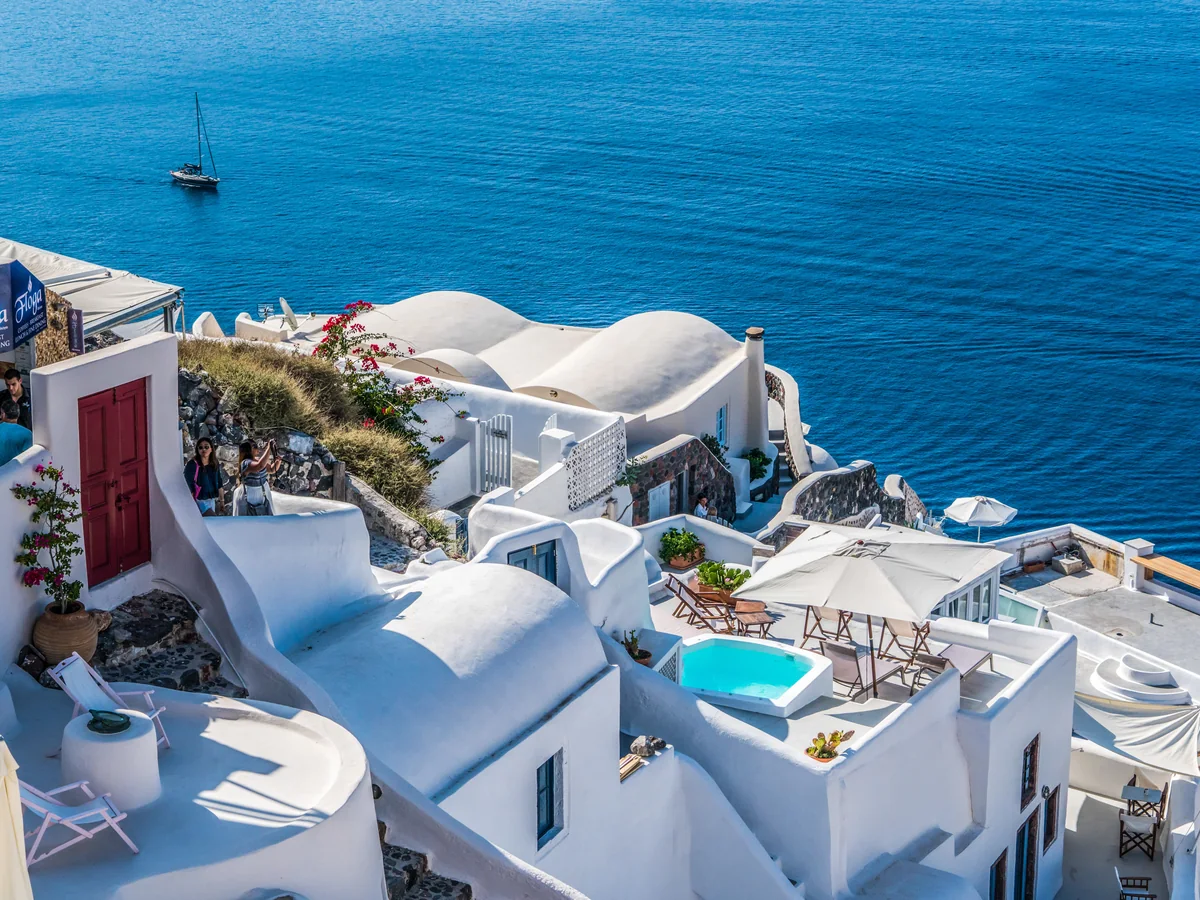
以同一张照片示意三档选项,实际压缩幅度取决于原图和设置。
Compress one image or a batch in your browser. Choose a preset, compare each result and download individual files or one ZIP.
JPG, PNG or WebP · Up to 30 images · 20 MiB each · 100 MiB total
or paste images from your clipboard为消息、网页或演示文稿准备多张图片。统一选择压缩档位,再逐张对比实际文件大小。
为 JPG 或 WebP 选择压缩预设,也可以限制最大宽度并保持原图比例。查看处理前后的效果和实际文件大小,再保存适合使用的结果。
图片在浏览器中处理,不上传到服务器。
找到你正在做的事,看看图片处理后可以用在哪里。
为 JPG 或 WebP 选择保留更多细节、均衡或更小文件。先预览处理结果,对比实际文件大小,再决定下载。
以同一张照片示意三档选项,实际压缩幅度取决于原图和设置。

等比缩图示意:两种尺寸均保留同一张照片的完整画面。
Choose or drop one or more static JPG, PNG or WebP images. Your files stay on your device.
Apply Keep more detail, Balanced or Smaller file to the batch for JPG and WebP. Set an optional maximum width to resize each image proportionally.
Compare each preview and actual file size. Retry failed images individually, then sign in to download a single file or all completed results in a ZIP.
用直观的压缩档位、可选的尺寸调整和前后大小对比,为日常分享准备合适的图片。
以下人物与评价均为虚构示例,头像由 AI 生成,并非已核实的真实用户反馈。
给简报准备照片时,“均衡”档位是个好起点。把处理前后的文件大小和画面都检查一遍,再放进草稿里,心里更有数。
图片压缩
房间照片原本很大,设置较小的最大宽度后更适合放进房源资料。图片比例保持不变,下载前也能看到最终文件大小。
图片压缩
压缩带小字的 JPG 时,我会先选“保留更多细节”。有了清楚的档位名称更容易决定,处理后我还是会检查文字再使用。
图片压缩
准备发到群里的照片,我试了“更小文件”档位。一边看节省了多少空间,一边看预览,更容易判断细节变柔和之后是否还能接受。
图片压缩
商品照片可以先试一个压缩档位,对比之后再保存。小文件里还要看清搭扣和刻字,这样检查一下很有必要。
图片压缩
有张照片本来就很小,再压一次并没有更省空间。工具保留了原文件并说明原因,我就知道可以改试缩小宽度。
图片压缩
Your images are processed in this browser and are not uploaded. Sign-in and export allowance checks do not send your images. Download your results before switching tools, refreshing or closing this page.
Import static JPG, PNG and WebP images. Export PNG for transparency or screenshots, or choose JPG or WebP for photos. Animated images are not supported.
You can edit and preview without an account. Sign in for one free export per day shared across combine, split, compress and convert, or subscribe for unlimited local exports. Each single-image download or complete ZIP download counts as one export. Local processing does not use cloud credits.
Results depend on the image and its original encoding. Choose Smaller file for stronger compression or reduce the dimensions. Keep more detail uses gentler compression, and Balanced is the default for everyday sharing. PNG uses lossless encoding without compression presets. When the same format and dimensions produce no savings, the original file is kept. Compare the actual sizes before downloading; your original file is unchanged.
PNG and WebP support transparency. JPG replaces transparent areas with the background color you choose. Re-encoded exports apply the displayed orientation and remove original EXIF metadata. When compression keeps the original file because encoding did not make it smaller, its original metadata is retained.
Add up to 30 static JPG, PNG or WebP images, with a combined source size of 100 MiB. Each image can be up to 20 MiB and 32 megapixels, with a maximum edge of 16384 pixels. Images are processed one at a time using the same settings. Completed results and ZIP downloads are limited to 256 MiB. Animated images are not supported. Download your results before leaving this page.
选择压缩档位,检查细节与文件大小,再保存处理结果。


