WATERMARK REMOVER
Remove a watermark. Keep your image.
Clean up images you own or have permission to edit. Download the result as a PNG or continue in the image combiner.
New accounts get 1 trial credit. Monthly and yearly members receive 60 credits each month. Background removal: 1 credit/image; watermark removal: 7 credits/image.
View plans & credits →Original
Drop images here, or paste them from your clipboard.
Watermark removed
Your processed image will appear here.
Static JPG, PNG or WebP · up to 4 MiB / 16 MP · up to 4096 px per side · output up to 1K; dimensions and aspect ratio may change slightly
Only when you start processing, this image is uploaded to Kie and its model service providers. Temporary storage follows their policies. Combining and splitting stay on your device.
Sign-in opens a new tab so your image stays here. Return to this tab when you finish.
See what is underneath.
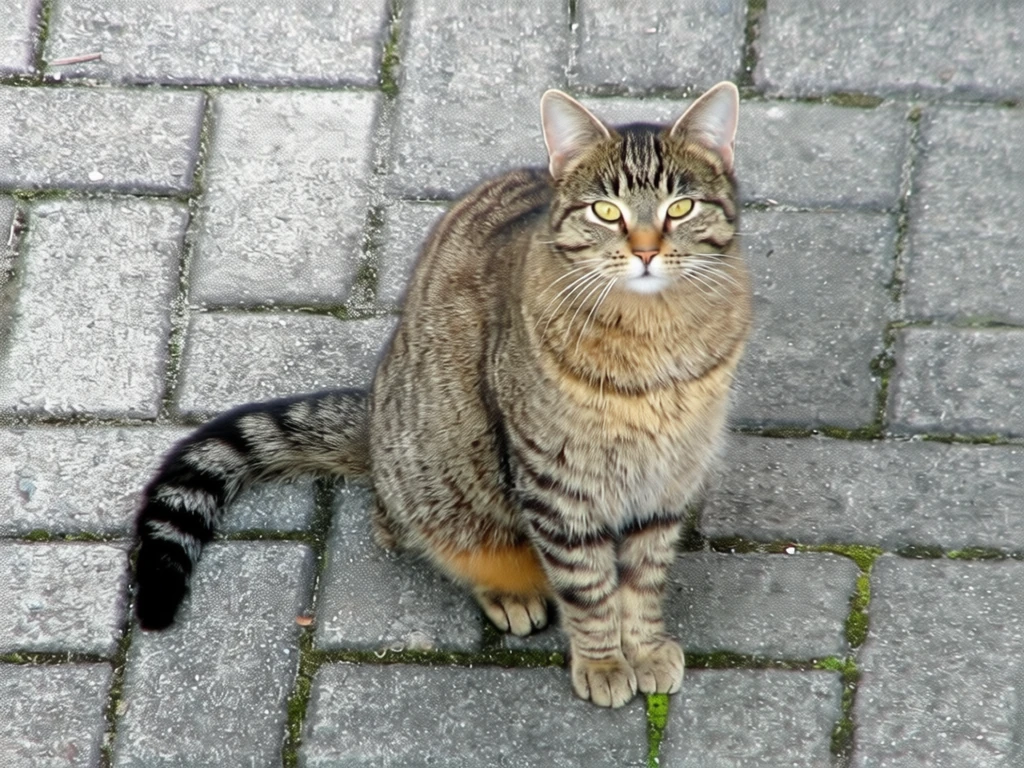
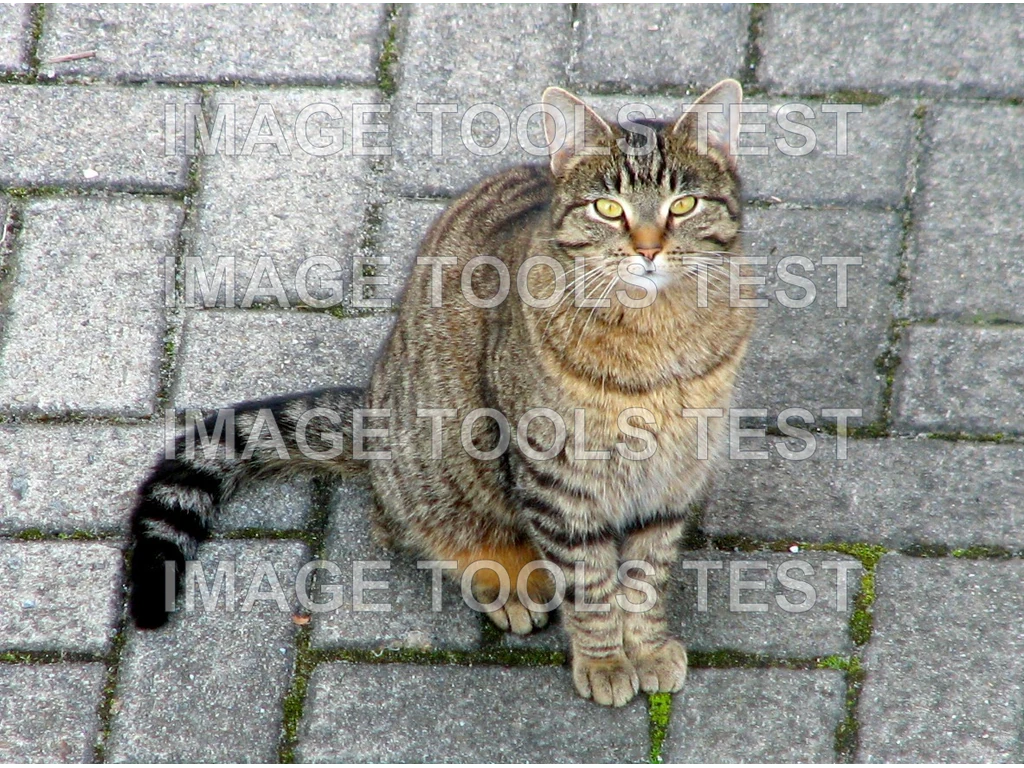
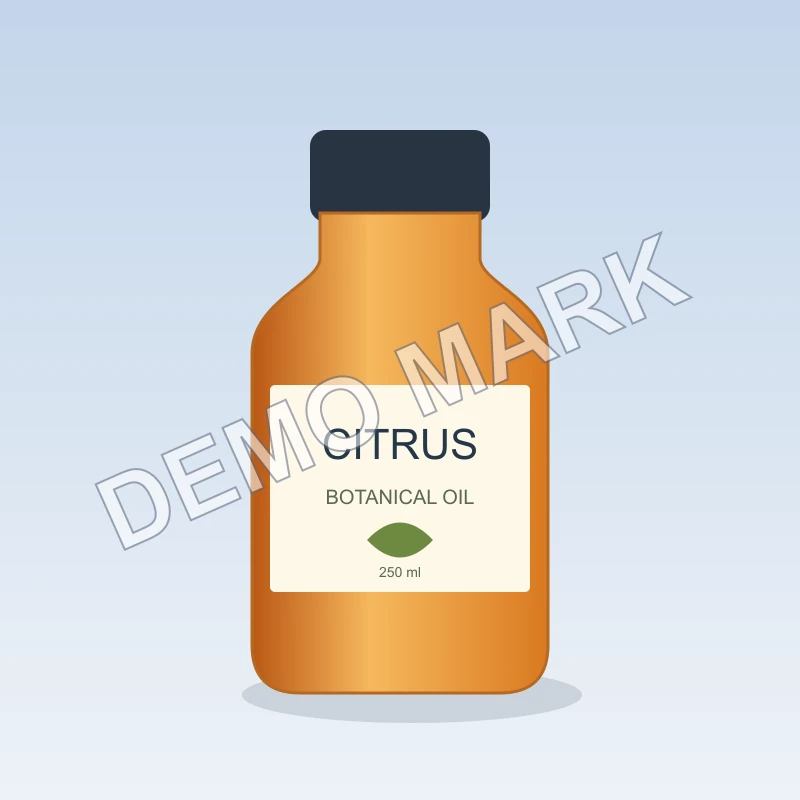
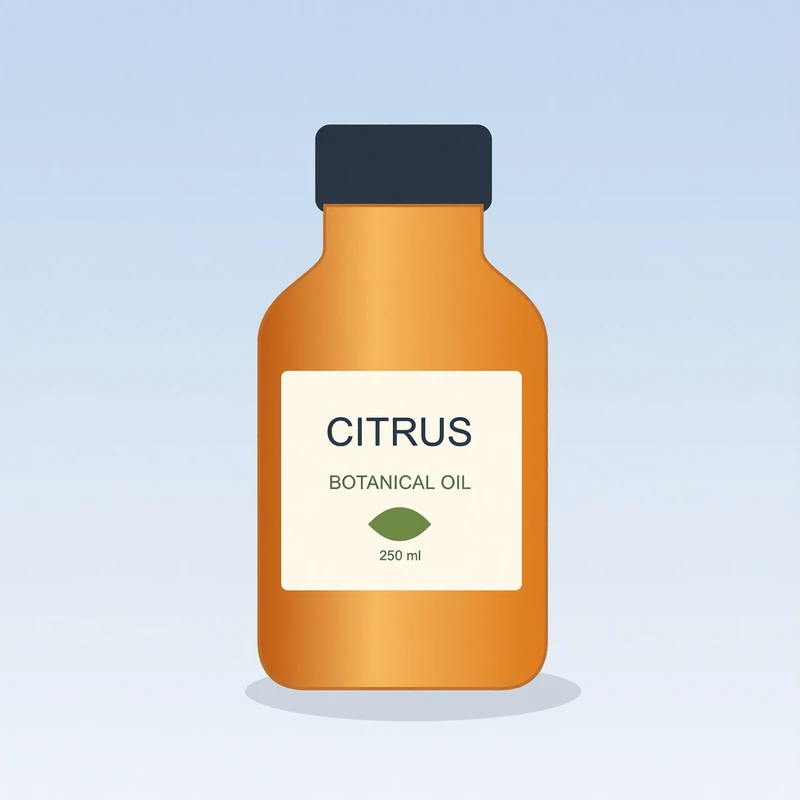
Explore real examples of text overlays removed from photos and illustrations. Move the slider to take a closer look.
Give your images another moment.
Clean up watermarks on images you own or have permission to edit. AI reconstructs the covered area, so textures, lettering and small details can change. Compare the result before downloading or reusing it.
- Works with photos and illustrations
- Preview the result before downloading a PNG
- Continue with a collage in the same workflow
Example image credits & licenses
- Domestic cat — TiHa (attributed by Wikimedia Commons), CC BY-SA 2.5. Before: locally added demonstration watermark over the licensed photograph. After: actual Qwen Image Edit output through Kie. Entire input and entire model output are fit proportionally into the same 1024×768 canvas; transparent letterboxing is used where aspect ratios differ. No crop or geometric warp to disguise model changes. Qwen may regenerate image details. Encoded as WebP. Derivative images retain the stated source license.
- CITRUS botanical oil test illustration — Image Tools, Project-owned test illustration. Before: locally added demonstration watermark over the project-owned synthetic product illustration. After: actual Qwen Image Edit output through Kie. Entire input and entire model output are fit proportionally into the same 800×800 canvas; transparent letterboxing is used where aspect ratios differ. No crop or geometric warp to disguise model changes. Qwen may regenerate image details. Encoded as WebP.
