
Toolmio
  • Combine images
  • Split image
  • Compress image
  • Convert image
  • Background remover
  • Watermark remover
  • Pricing
Loading your usage…

Remove background

Keep the subject. Download a transparent or white PNG.

Credits…
Get credits ↗
  • Uploaded only when processing starts.
  • 1 credit/image · Sign-in required.
  • JPG, PNG, WebP · Up to 4 MiB/image
Limits & common questions
01

Original

or drop images here · paste from clipboard

JPG, PNG or WebP · up to 4 MiB
02

Background removed

Your cutout appears here

Upload & privacy details

Static JPG, PNG or WebP · up to 4 MiB / 16 MP · 256–4096 px per side · output up to 2048 px

Your image is uploaded to our cloud processing service providers only when you start processing. Temporary storage follows their policies. Combining and splitting stay on your device.

New accounts get 1 trial credit. Monthly and yearly members receive 60 credits each month. Background removal: 1 credit/image; watermark removal: 7 credits/image.

LESS BACKGROUND. MORE SUBJECT.

Let the details stand out.

From flowing hair to soft fur, see how background removal separates the subject from its surroundings. Drag to explore real results.

People & hair — actual background removal result
People & hair — original image
BeforeAfter

Slide to see the difference.

Preview on
Try your own imageSaved examples · Exploring uses no credits
READY FOR YOUR NEXT IDEA

Transparent cutouts and clean white backgrounds.

Take a portrait, product or pet out of its original setting. Download a transparent PNG for your next design, choose a clean white background, or bring the cutout straight into a collage.

  • Transparent or white-background PNG downloads
  • Continue directly in the collage workspace
  • Review fine edges before using your result
The same cutout on transparent and white backgrounds
Transparent
The same cutout on transparent and white backgrounds
Clean white
Example image credits & licenses
  • Blowin' in the wind... - Flickr - 2 million- views. Humbled and thanks — Rajarshi MITRA from Mumbai, India, CC BY 2.0. Before: actual benchmark input photograph. After: actual background-removal result. Both resized proportionally to at most 1200 pixels and encoded as WebP; full frame retained, no crop, transparent alpha preserved in the result. Derivative images retain the stated source license.
  • Domestic cat — TiHa (attributed by Wikimedia Commons), CC BY-SA 2.5. Before: actual benchmark input photograph. After: actual background-removal result. Both resized proportionally to at most 1200 pixels and encoded as WebP; full frame retained, no crop, transparent alpha preserved in the result. Derivative images retain the stated source license.
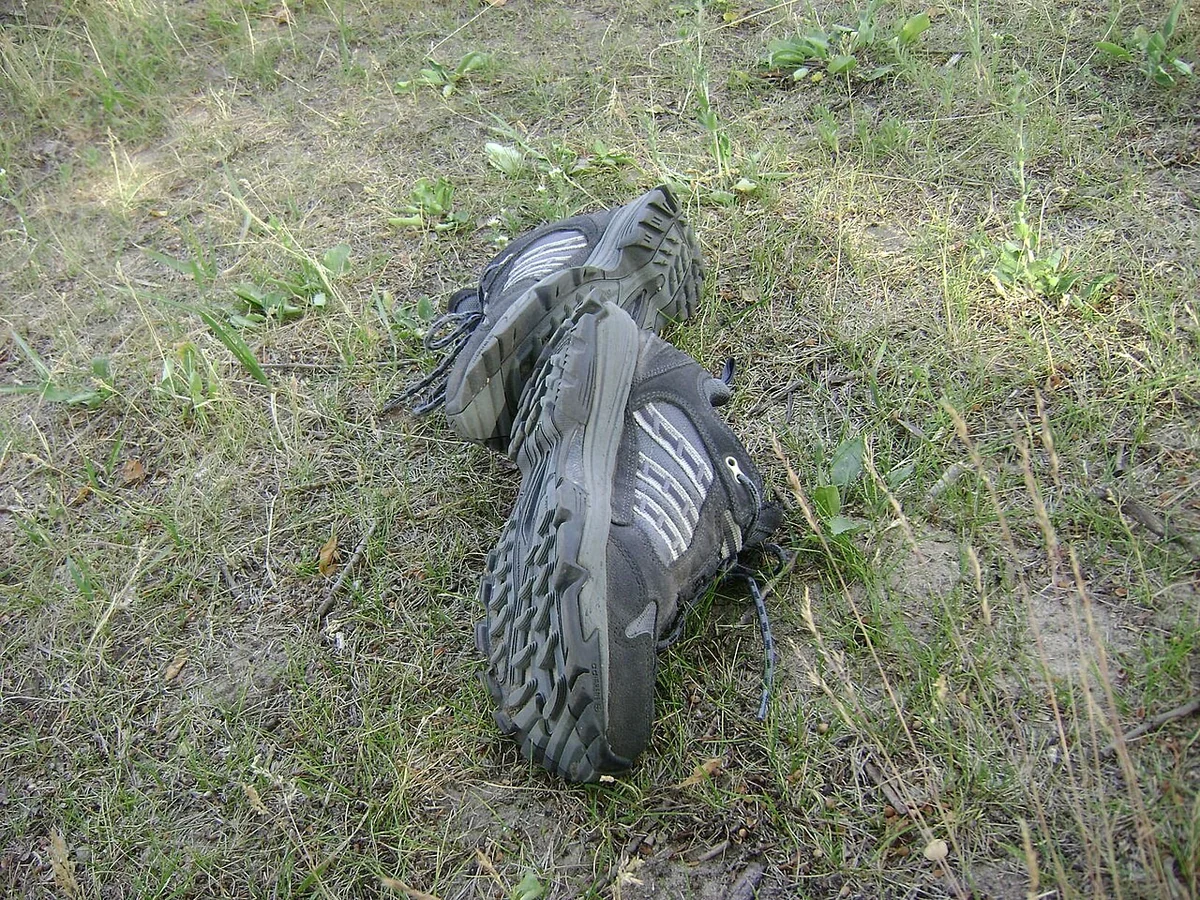
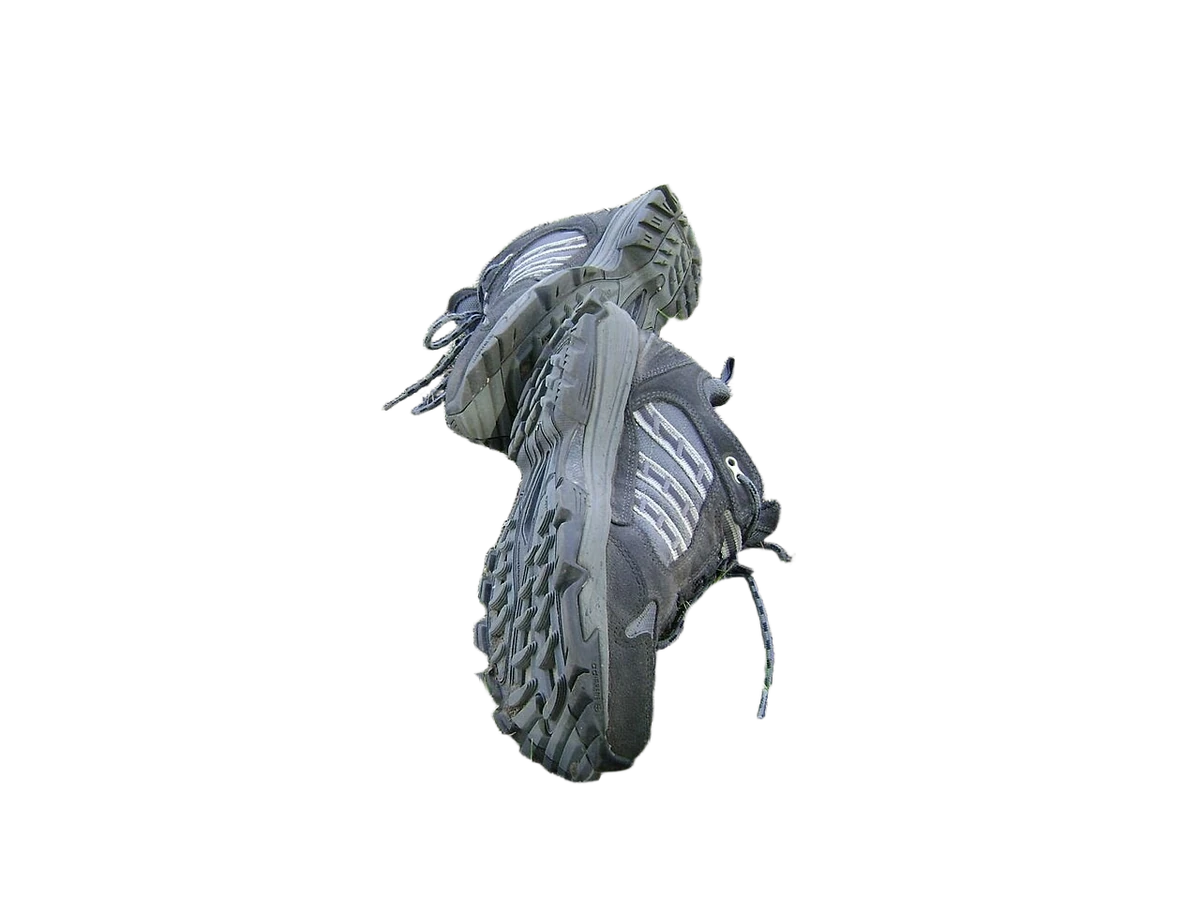
  • Shoes 001 — Albert Jankowski (Albertyanks), Public domain. Before: actual benchmark input photograph. After: actual background-removal result. Both resized proportionally to at most 1200 pixels and encoded as WebP; full frame retained, no crop, transparent alpha preserved in the result. Derivative images retain the stated source license.
MADE FOR YOUR EVERYDAY IMAGES

A useful result. A real reason to make it.

Start with the task you have in mind. See how each image can become something ready to use.

PRODUCT PHOTOS

Give your product a clean white setting.

Remove a distracting background from a product photo, then download the result on white for a listing or catalog.

  • Choose a white-background PNG
  • Inspect the edges before downloading
Prepare a product photo
Original image before processing
Before
Actual processed result
On white

Actual background-removal result, shown on white

PORTRAITS & DESIGN ASSETS

Take the person into your next design.

Extract a portrait as a transparent PNG, ready to place in a poster, presentation, or collage.

  • Keep transparency in the PNG
  • Continue directly in the collage tool
Create a portrait cutout
Original image before processing
Before
Actual processed result
Transparent PNG

Actual portrait cutout on a transparency checkerboard

Use-case image credits & licenses
  • Blowin' in the wind... - Flickr - 2 million- views. Humbled and thanks — Rajarshi MITRA from Mumbai, India, CC BY 2.0. Before: actual benchmark input photograph. After: actual background-removal result. Both resized proportionally to at most 1200 pixels and encoded as WebP; full frame retained, no crop, transparent alpha preserved in the result. Derivative images retain the stated source license.
  • Shoes 001 — Albert Jankowski (Albertyanks), Public domain. Before: actual benchmark input photograph. After: actual background-removal result. Both resized proportionally to at most 1200 pixels and encoded as WebP; full frame retained, no crop, transparent alpha preserved in the result. Derivative images retain the stated source license.
HOW IT WORKS

From photo to cutout in three steps.

  1. 01

    Choose an image to preview

    Drop, paste or choose JPG, PNG or WebP images. Choosing a file creates a local preview; uploading starts only when you begin processing.

  2. 02

    Confirm and remove the background

    Sign in with a verified email, then confirm cloud upload. Each image uses 1 credit; the button shows the cost before you start.

  3. 03

    Compare and save your result

    Compare the original and result to inspect the subject and edges. Download a transparent or white-background PNG, or send the result to the image combiner for your next layout.

CUSTOMER STORIES · SAMPLE PREVIEW

Give your subject a new setting.

Explore how a transparent cutout or a white background can prepare an image for its next design.

These people and reviews are fictional examples. Portraits are AI-generated. This is not verified customer feedback.

Example review

I needed a cutout for a poster layout. Comparing the edges before downloading the transparent PNG helped me decide where the image would work in the design.

Mika TanakaPoster artist

Background removal

Example review

A white background gave my item photo a simpler presentation. I could compare the processed image with the original and inspect the outline before downloading it.

James WilsonVintage goods dealer

Background removal

Example review

I wanted to use a cat photo in an adoption poster. The before-and-after view let me inspect the fur edges before taking the transparent cutout into the layout.

Amara DialloPet adoption volunteer

Background removal

Example review

I needed both a white-background image and a transparent cutout from one product shot. Previewing and downloading either version kept the handoff to the designer simple.

Sophie MartinProduct photographer

Background removal

Example review

I removed the background from a portrait for a club graphic. Inspecting the hair and shoulders in the comparison helped me judge whether the cutout was ready to use.

Diego AlvarezSports club secretary

Background removal

Example review

After checking a product cutout, I could bring it straight into the collage workspace. That made it convenient to build a composition around the isolated item.

Lin ChenGift packaging designer

Background removal

Background remover FAQs

Do I need an account, and what does it cost?

You can choose and preview images without signing in. Cloud processing requires an account with a verified email and enough credits. Each background removal uses 1 credit. Both cloud tools share the balance shown in your workspace. View plans and credits →

Which formats and image sizes are supported?

Use static JPG, PNG or WebP images up to 4 MiB and 16 megapixels. Each side must be between 256 and 4096 pixels. Results are PNG files with a maximum edge of 2048 pixels, with transparent or white-background downloads available.

When is my image uploaded, and how is it handled?

Your image is sent through our server to cloud service providers only after you confirm and start processing. The server re-encodes it to remove original metadata and does not persist the original. A temporary result copy supports task recovery. Upstream providers handle temporary files under their own policies; we cannot promise their deletion time. Read about image privacy →

Can I keep fine hair and export a transparent background?

Download a transparent PNG or a white-background version. Fine hair, fur, translucent materials and backgrounds close to the subject’s color can affect edge quality. Inspect the original and result before using the cutout in your design.

Are failed tasks refunded, and do repeat downloads cost credits?

When processing is confirmed to have failed, its reserved credits are returned subject to their original expiry. Downloading an existing result, choosing a transparent or white version, or resuming the same task does not use more credits. If the connection drops, resume the task first; starting a new processing request uses credits again.

Can I recover a task after pausing or refreshing?

Pausing stops status updates while cloud processing may continue. In the same tab and account, you can resume a request; after a refresh, the page also tries to restore the latest saved task. Results are recoverable only during the temporary recovery window. Your originals and full image queue are not restored after refresh, so download finished work promptly.

Can I work with several images?

Yes. Add several images, process them individually or run the batch. Before starting, the button shows the pending count and total cost; each image still uses 1 credit. Multiple completed results can be downloaded together as a ZIP of transparent PNGs.

READY WHEN YOU ARE

Put your subject in the spotlight.

Check the edges, then save a transparent or white-background PNG.

Remove a background

More ways to work with your images

Combine imagesArrange several images in one composition.Remove a watermarkClean up overlays on images you are allowed to edit.
One free local export daily. No watermark.
How it worksAboutContactPrivacyUsage notes