Combine images
Bring your images together. Just arrange, adjust, and download.
Drop your images here
Static JPG, PNG or WebP · Up to 20 MiB per image
or paste an image from your clipboardBring your images together.
A weekend away. A product collection. A step-by-step story. Find the layout that makes it all fit.
Make room for the whole story.
Join images horizontally, stack a sequence, or give every photo a place in a grid. Fine-tune the spacing and background, then download a single image that is ready to share.
- Adjust spacing, backgrounds and individual crops
- Export PNG, JPEG or WebP
- Your photos are processed in your browser
A few moments worth keeping together.
Example image credits & licenses
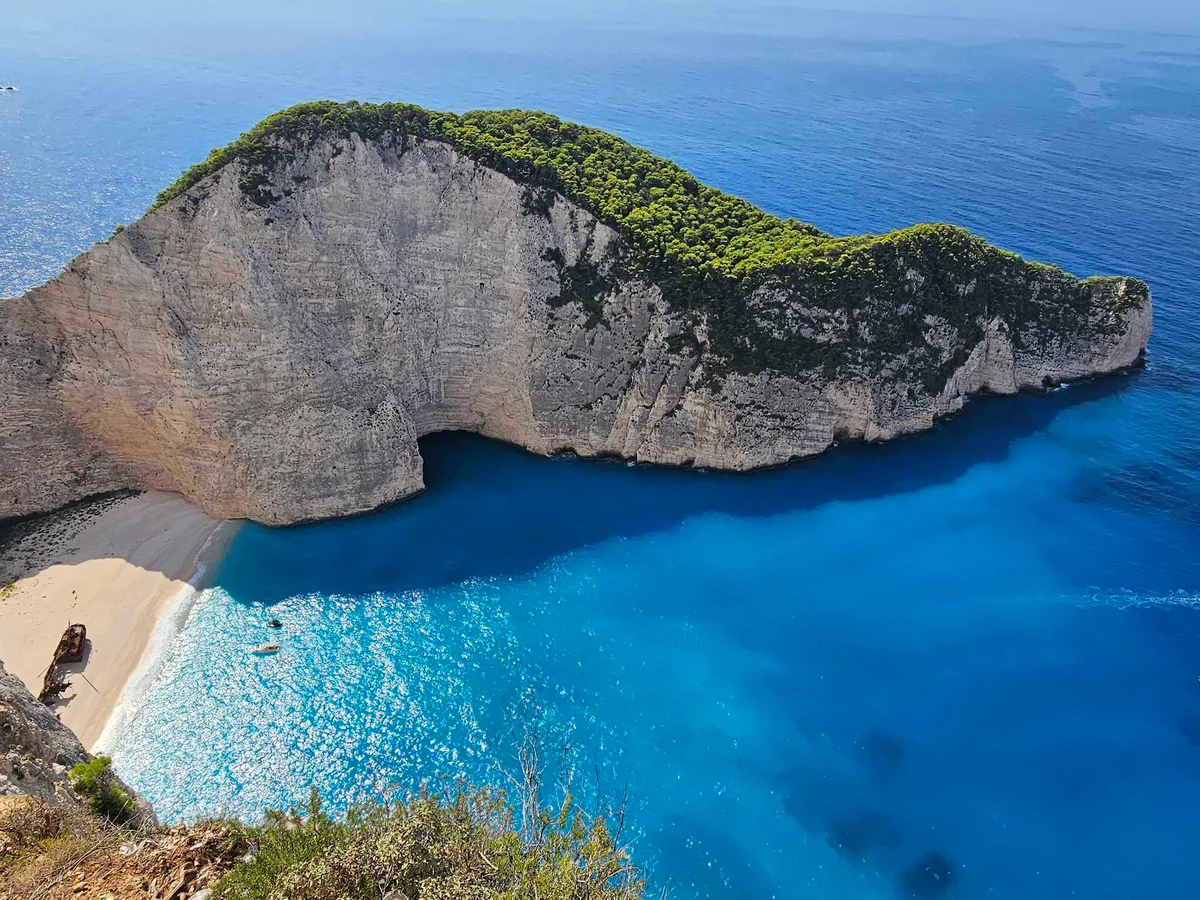
- Navagio Beach. View of the Shipwreck Beach — Andrzej Rękas, CC BY-SA 4.0. Downloaded original Wikimedia Commons photograph. Cropped to 4:3 (centre alignment), resized to 1200×900 and converted to WebP. Source colors retained; no AI generation or retouching. The stated source license also applies to this cropped derivative.
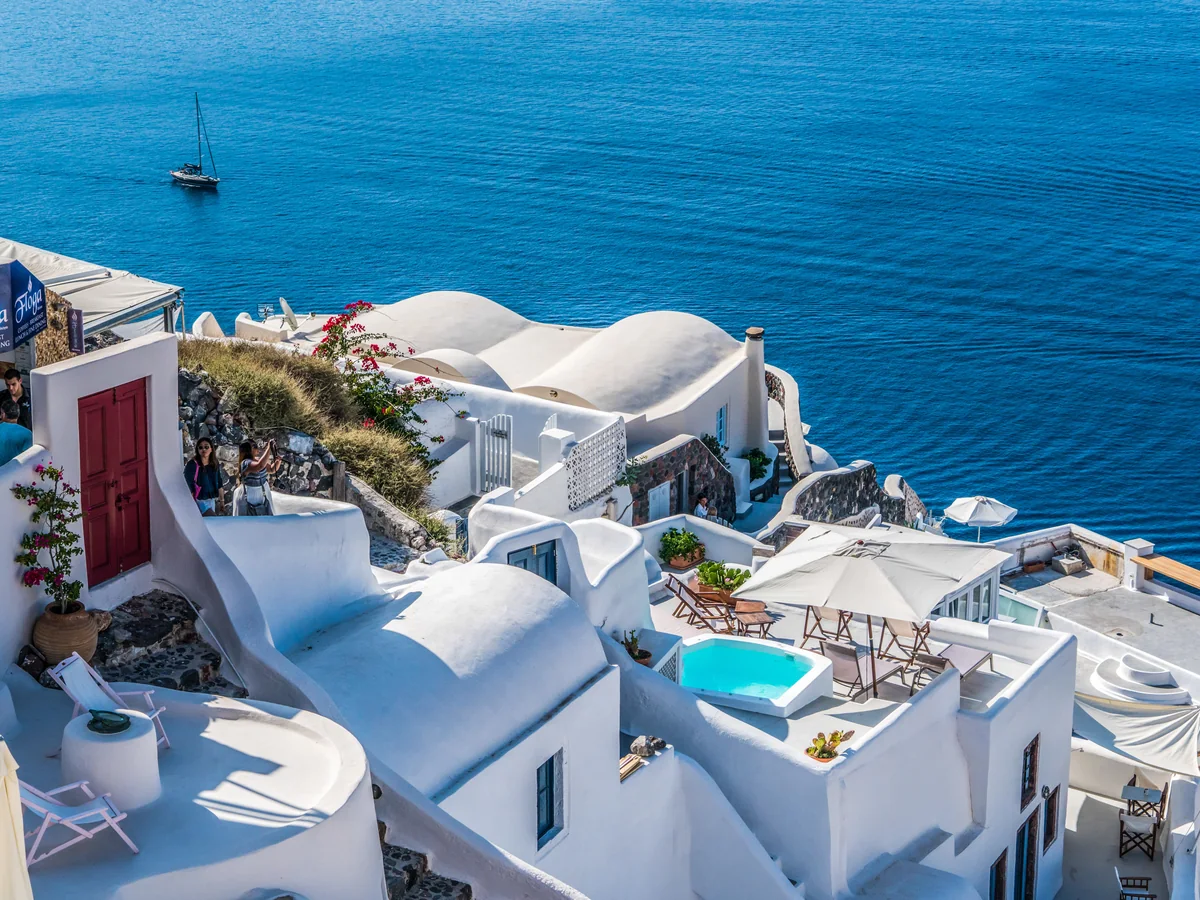
- Santorini Oia Greece Travel Summer Greek Island — Mariamichelle, CC0. Downloaded original Wikimedia Commons photograph. Cropped to 4:3 (centre alignment), resized to 1200×900 and converted to WebP. Source colors retained; no AI generation or retouching. The stated source license also applies to this cropped derivative.
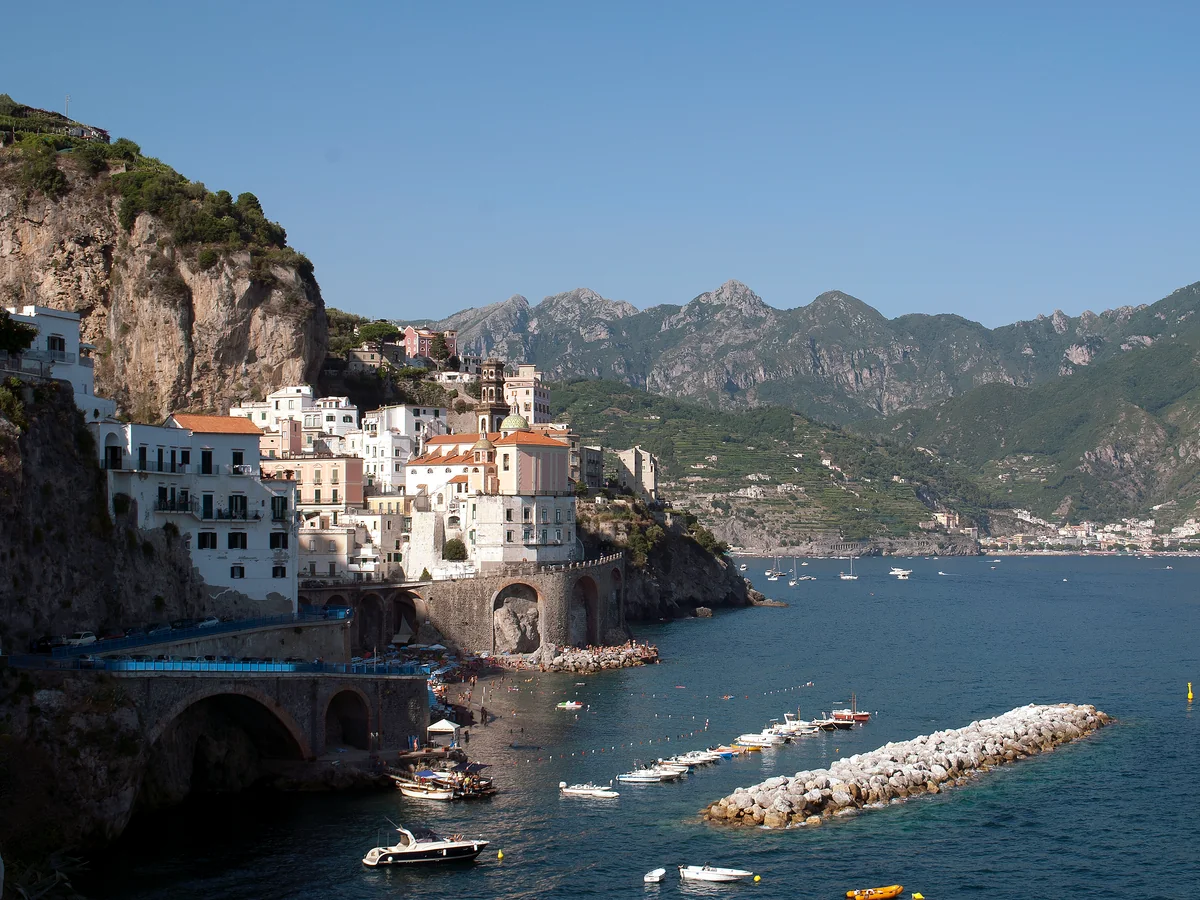
- Amalfi Coast, Italy Panoramic — Mайкл Гиммельфарб, CC BY-SA 4.0. Downloaded original Wikimedia Commons photograph. Cropped to 4:3 (left alignment), resized to 1200×900 and converted to WebP. Source colors retained; no AI generation or retouching. The stated source license also applies to this cropped derivative.
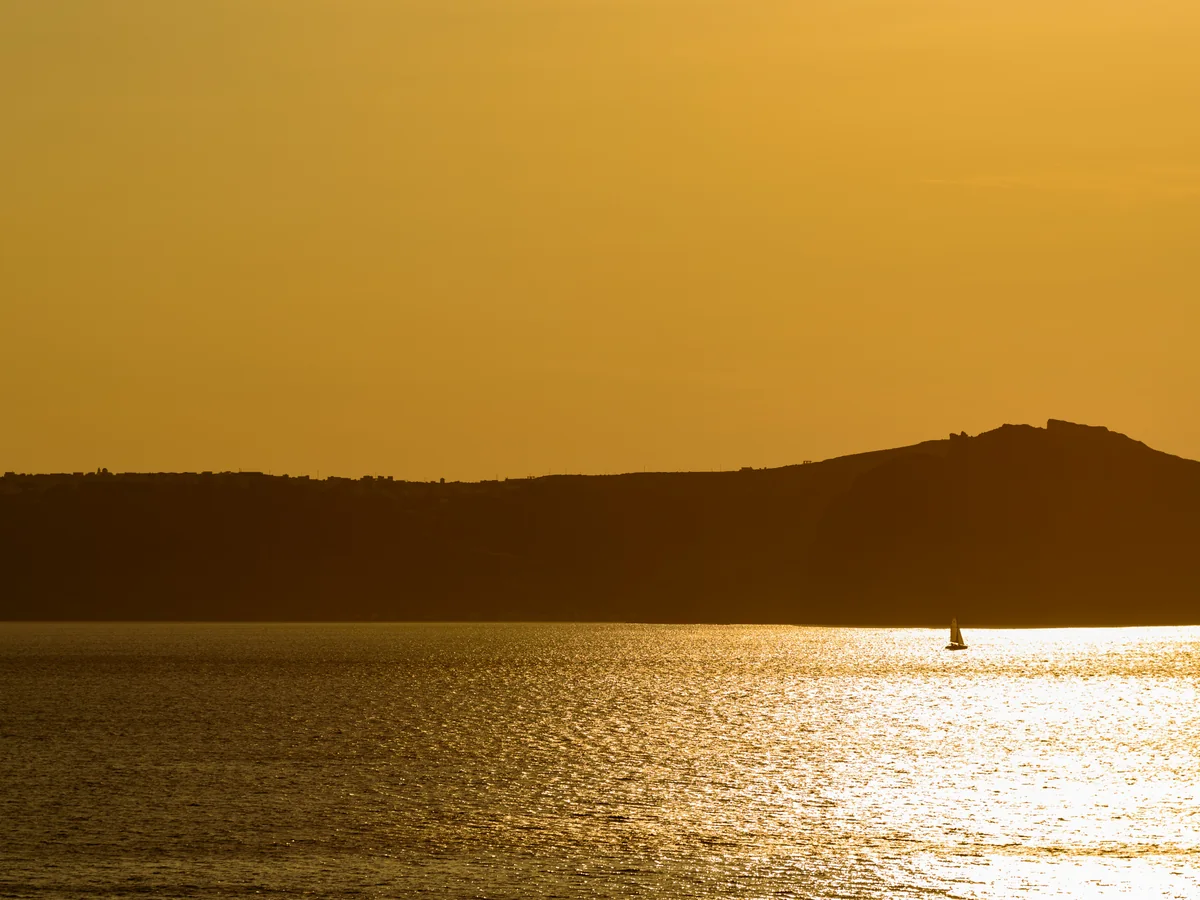
- Santorini (39171196742) — Mustang Joe, CC0. Downloaded original Wikimedia Commons photograph. Cropped to 4:3 (centre alignment), resized to 1200×900 and converted to WebP. Source colors retained; no AI generation or retouching. The stated source license also applies to this cropped derivative.


.jpg)
From separate images to one picture.
- 01
Add your images
Choose files, drag them in, or paste images from your clipboard.
- 02
Make them fit
Choose horizontal, vertical or grid. Reorder images and adjust spacing or crop.
- 03
Download your result
Check the output dimensions, choose a format and save one combined image.
Frequently asked questions
Are my images uploaded?
Combine and split run locally in your browser; those images are not uploaded. Background and watermark removal send the selected image to our server, Kie and its model service providers.
Which formats can I use?
Import static JPG, PNG and WebP images. Export PNG for transparency or screenshots, or choose JPG or WebP for photos. Animated images are not supported.
Do I need an account?
You can edit without an account. Sign in for one free combine or split export each day, or subscribe for unlimited local exports. New accounts also receive one cloud background removal trial.
Will my photos be cropped or resized?
Side-by-side images share the smallest source height; vertical images share the smallest width. Grids show the entire image by default. Fill mode crops the visible edges, and you can adjust the selected image’s position.
Can I keep working after switching tools?
Yes, each tool keeps its own images, settings and undo history in the same tab. Refreshing or closing the tab can clear your work. Download your result before leaving.
What are the current limits?
Up to 20 MiB and 32 megapixels per source, with a maximum edge of 16384 pixels. Combine up to 30 images or split into up to 100 tiles. Original images and undo history share a 64-megapixel budget across both tools. Each exported image is limited to 32 megapixels, and ZIP output to 256 MiB.